After your order, we add you as a friend on Discord and send the avatar decoration or profile effect as an official gift link. You accept it and it is applied to your profile, no password needed.
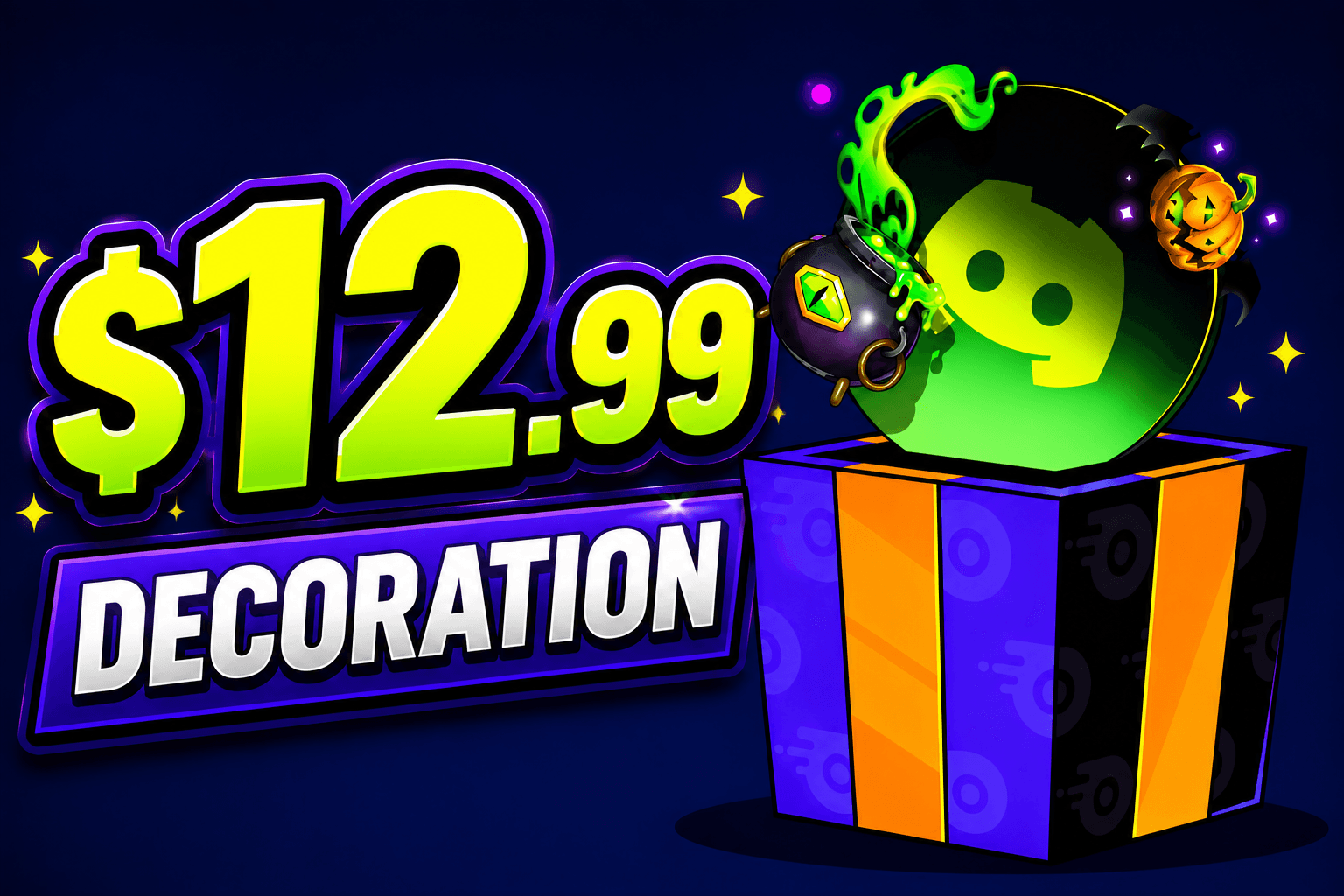
$12.99 Decoration
Description
🎁 How to Claim Your Discord Decoration or Gift
Looking to redeem your Discord Decoration or Discord Gift? Follow these quick and easy steps to receive your purchase instantly.
📋 Step 1 – Complete Your Purchase
Purchase the Discord Decoration or Gift value that matches the cosmetic you'd like to receive.
👤 Step 2 – Send Your Discord Username
After your order is complete, send us your Discord username so we can prepare your delivery.
🎨 Step 3 – Choose Your Decoration
Tell us the exact name of the Discord Decoration (or Gift) you want, as long as its value matches your purchase.
🔗 Step 4 – Receive Your Claim Link
We'll generate and send you a secure Discord claim link within minutes.
✅ Step 5 – Claim Your Decoration
Open the link, accept the gift, and your new Discord Decoration will be added to your account.
💬 Need Help?
If you're unsure which decoration to choose or have any questions about claiming your Discord Gift, feel free to contact us anytime. We're always happy to help!
Frequently Asked Questions
Everything important before ordering